Learning feels like play with Kaya
Kaya keeps your little one company while they learn. Picture games, short stories and warm talk, in English, Hindi or Gujarati. Calm enough for a toddler.
Coming soon on iPhone
- No ads
- Never graded or tested
- Parents stay in charge


A friend to learn with, not a bot to chat with
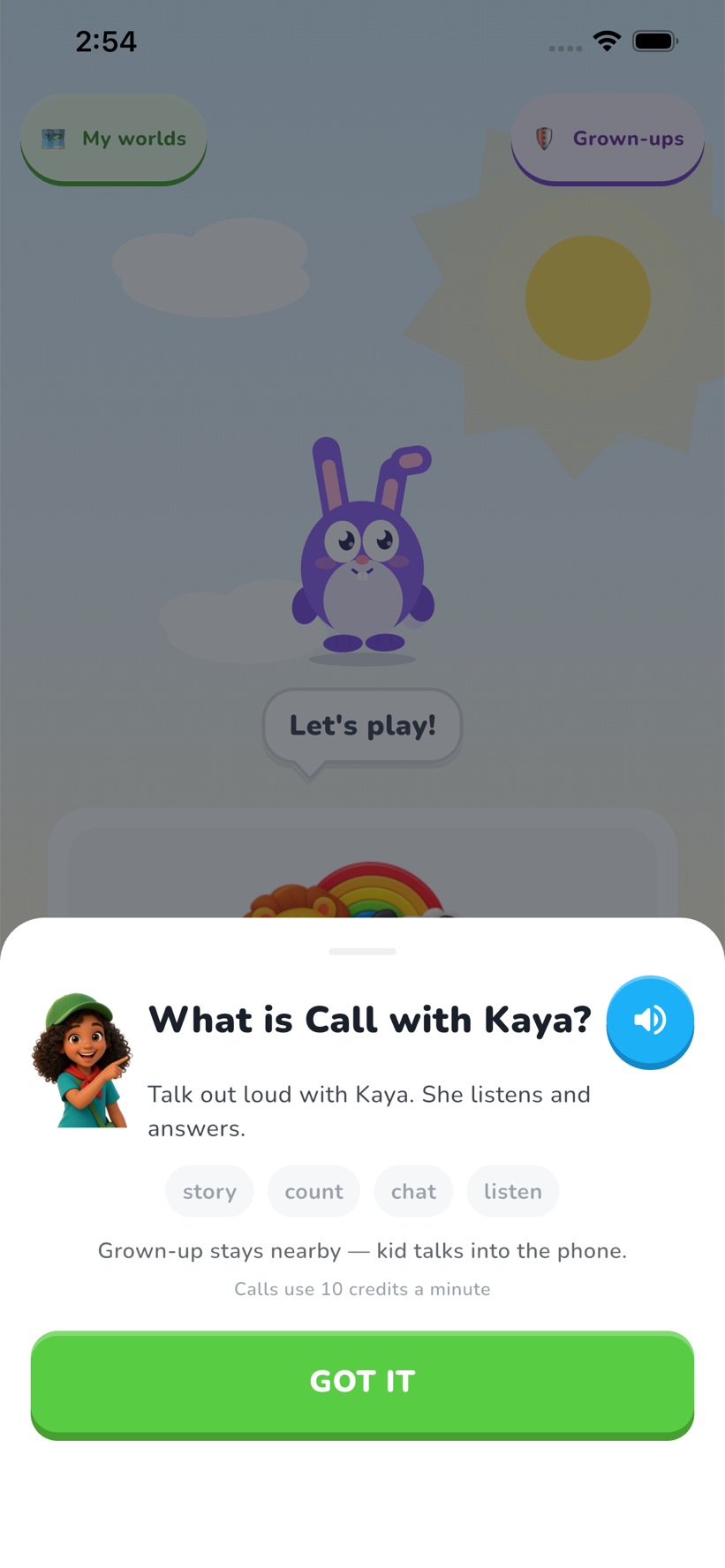
Kaya tells stories, asks gentle questions and cheers your child on. When they want to talk, they can call her and she talks back, in the language you chose.
-
The mic waits for a yes
A call starts only after your child taps Call Kaya and confirms. It never starts on its own.
-
You turn it on
Calls and Scan open once a grown-up saves progress with an email. Until then, kids can still play as a guest.
-
You can read every call
Call history and transcripts wait for you in Parent Zone.
Little worlds full of pictures, stories and short videos
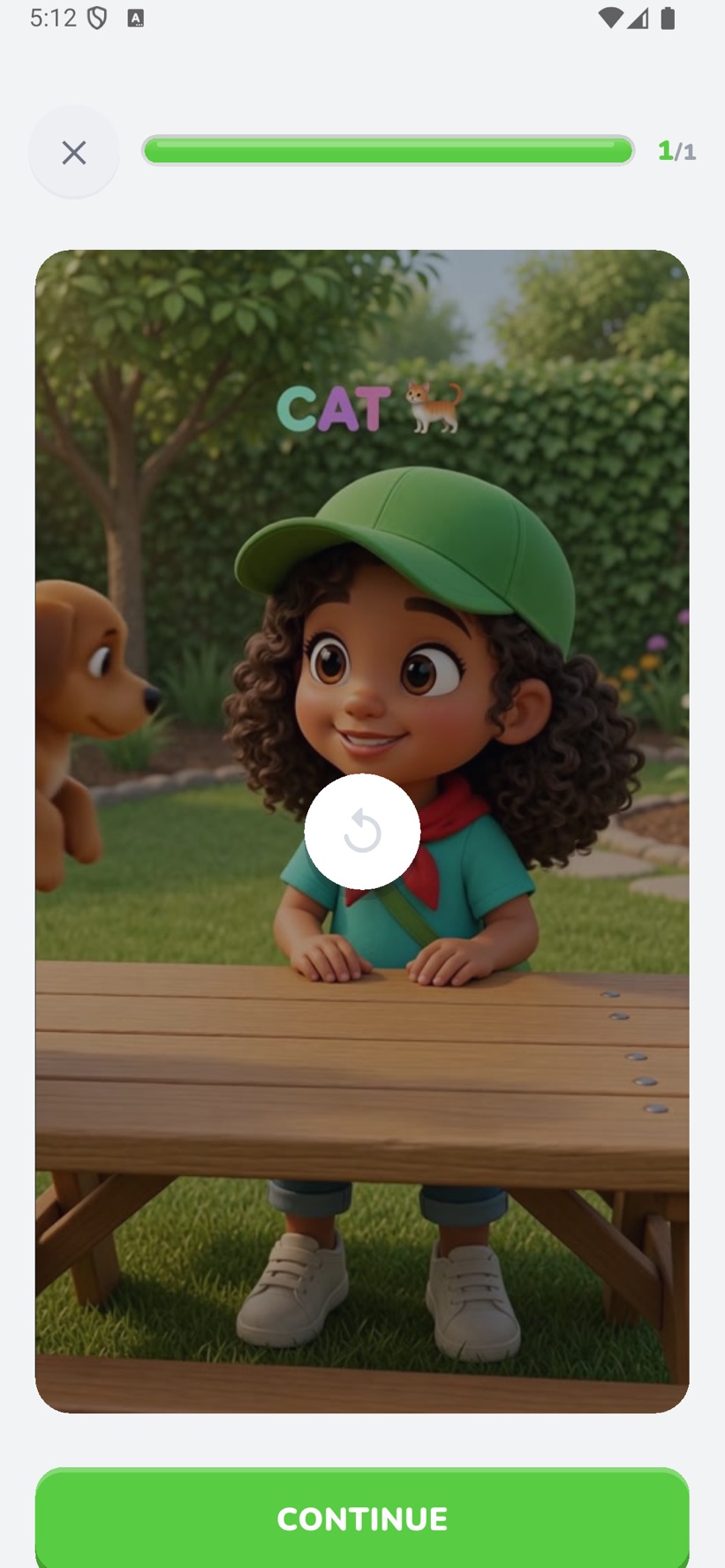
Each world mixes picture games, a short story and a short video. Pictures lead and reading stays light, so small hands can play with little help.
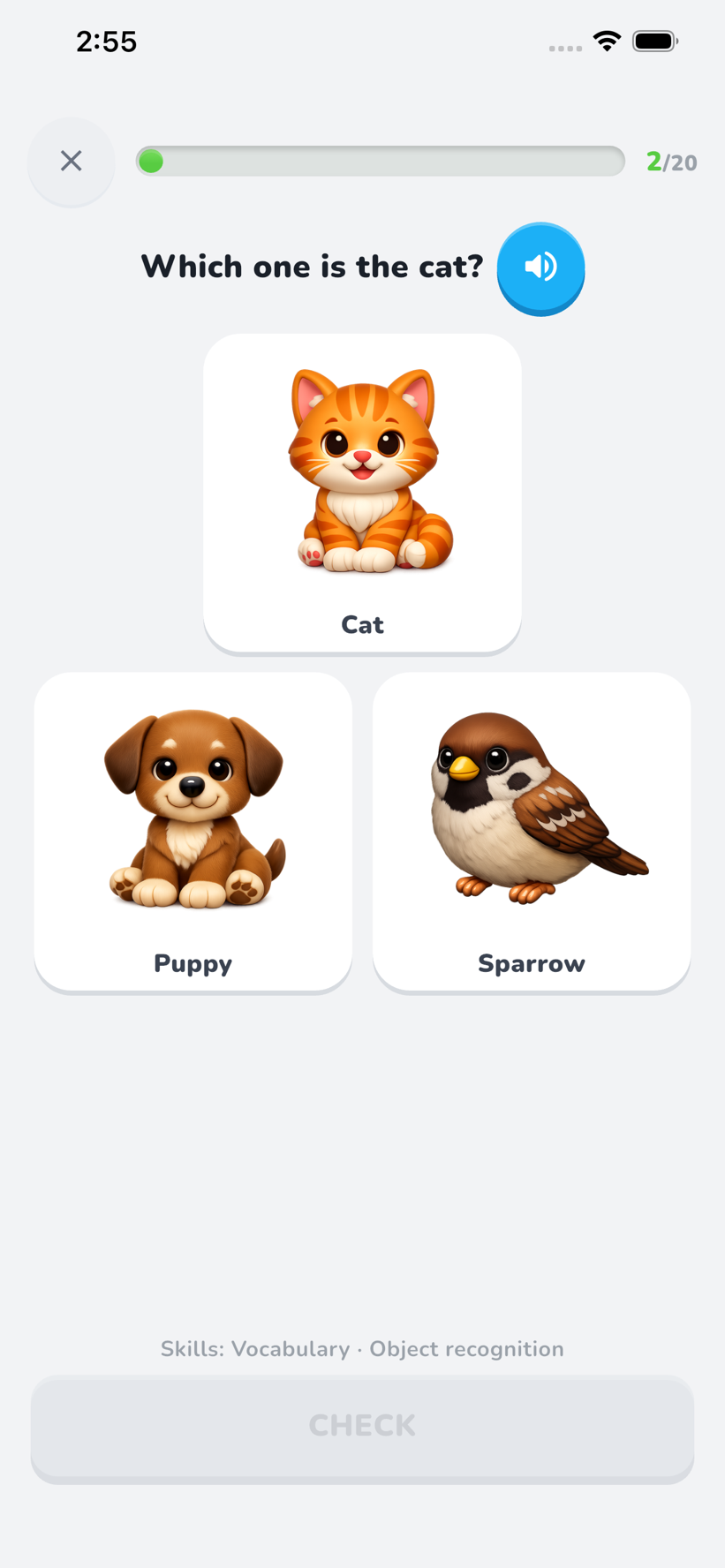
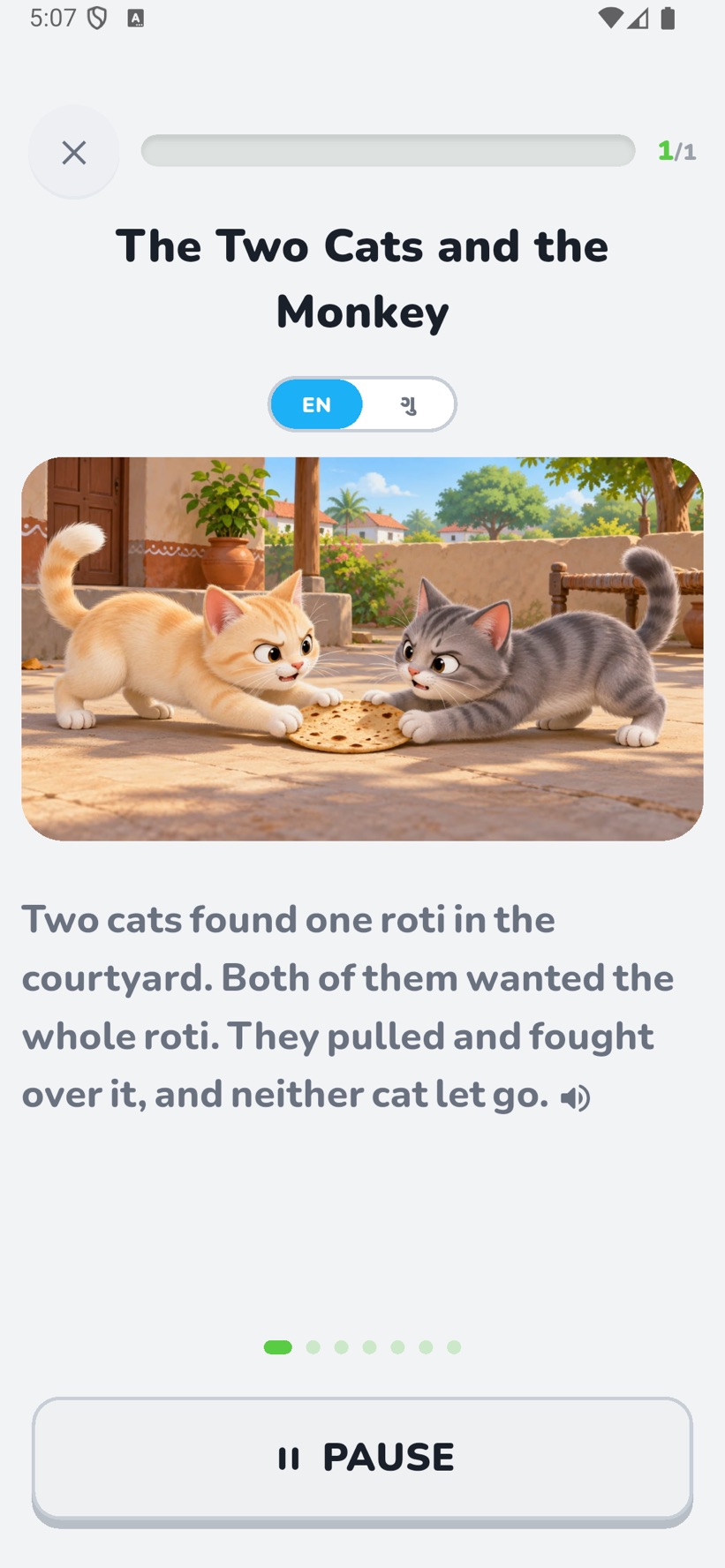
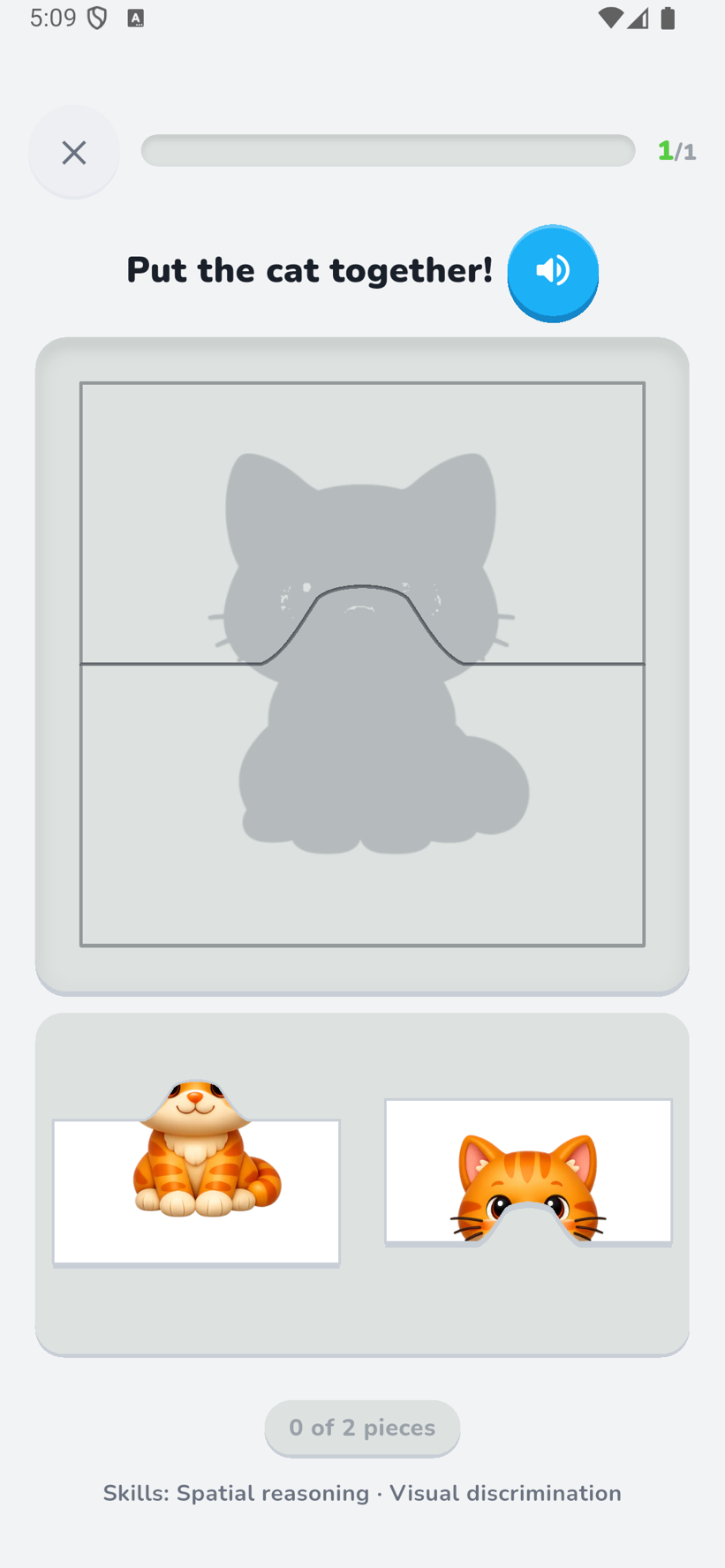
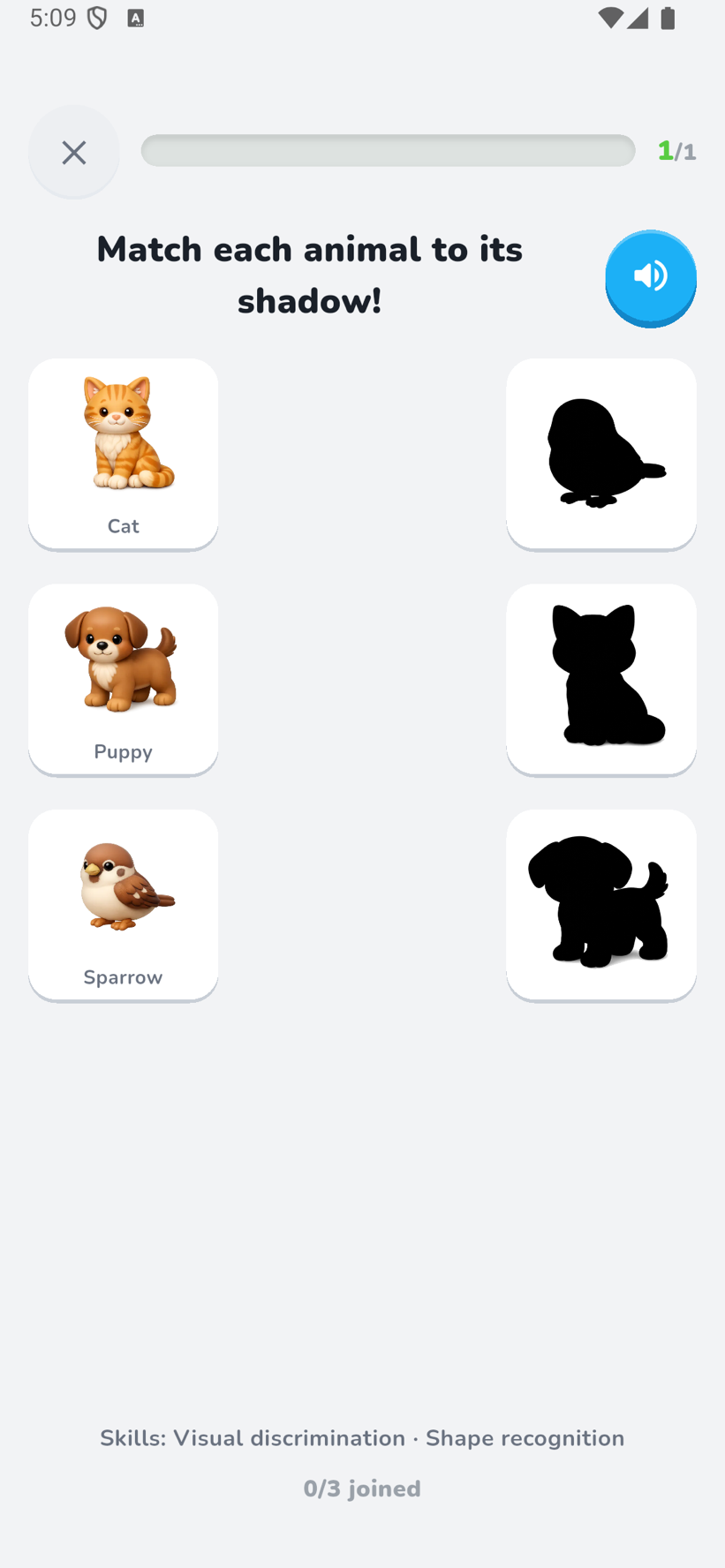
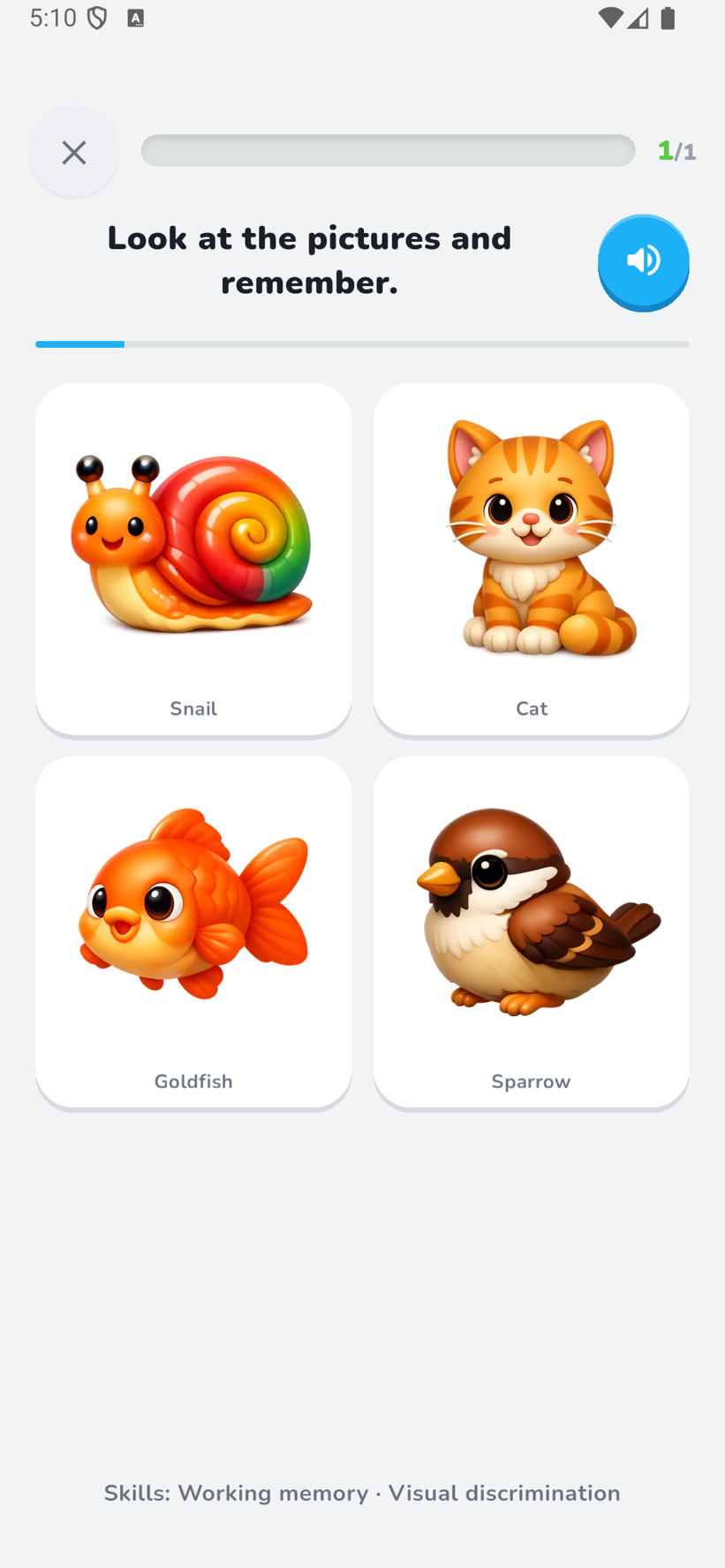
- New words
- Listening
- Counting
- Shapes
- Letters and first sounds
- Memory
- Feelings
Not an entertainment app that teaches nothing. Not a learning app that feels like a worksheet. One calm place for both.
Learn in the language you speak at home
Choose English, Hindi or Gujarati for stories, questions and Kaya’s voice. Buttons and menus stay in English, so any grown-up can help.
- HelloEnglish
- नमस्तेHindi
- નમસ્તેGujarati
Three simple ways to play
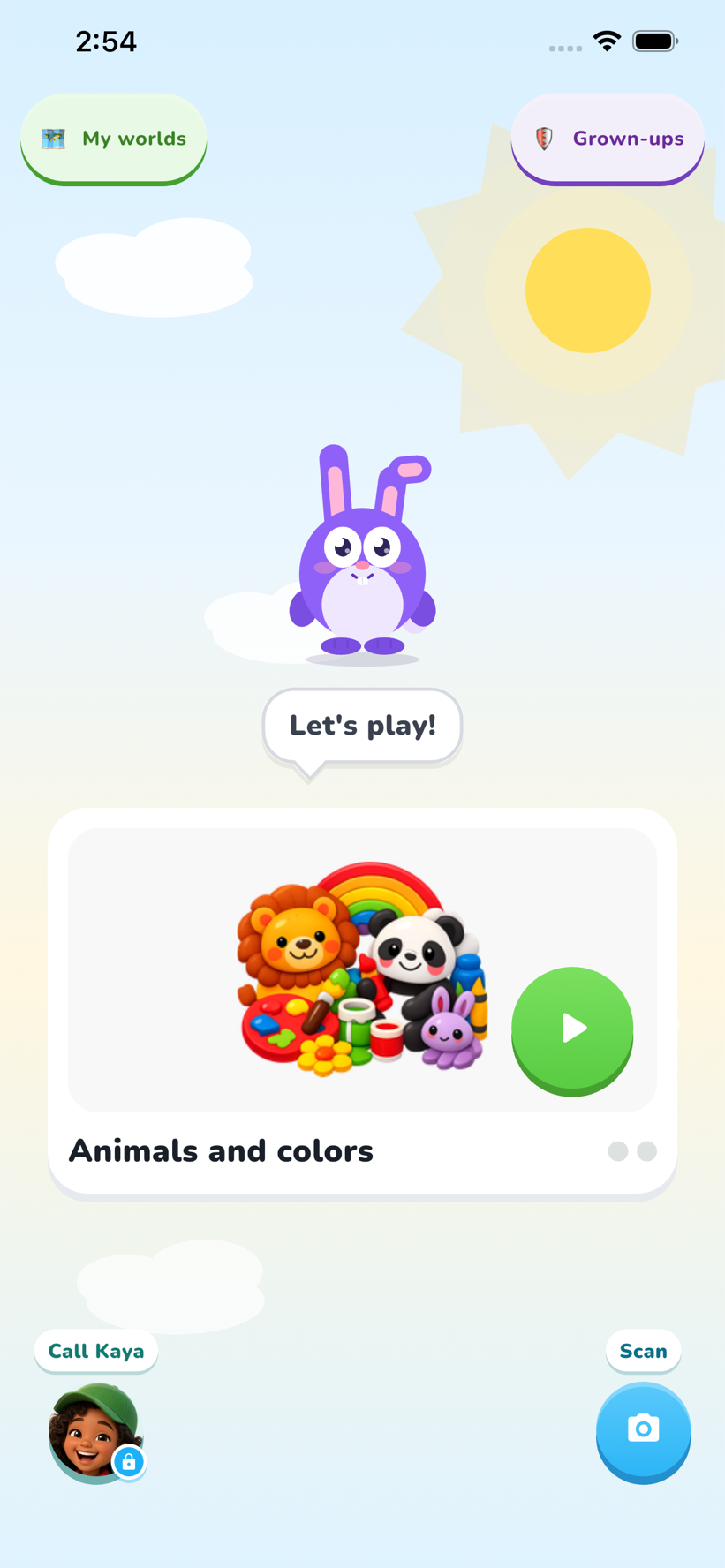
Play a world. Call Kaya. Point the camera at something nearby. A grown-up stays in control the whole time.
- 1
Play today’s world
Tap the big play button on Home. Picture games, a story and a video, one world at a time. When they finish, a small cheer. Never a grade.
- 2
Call Kaya
Sing, count, pretend or hear a story together. Kaya listens, talks back and keeps it short and kind.
- 3
Scan something nearby
A banana, a shoe, a leaf. Point the camera and get a short, fun fact about it. Learning starts in the living room.
You can see what they learn
Save progress when you’re ready. Kids never see a price. Check the week’s skills and read Kaya calls whenever you like.
A look at their week
See what they played and the skills behind it, in plain words.
Call transcripts
Read what your child and Kaya talked about, any time.
A gate just for grown-ups
Parent Zone sits behind a math check and an optional PIN. Plans and settings live there.
A profile for each child
Each child keeps their own progress. Credits are shared by the family.
No ads, ever
No ads and no ad tracking. You pay with a plan, not with their attention.
A small cheer, not a prize loop
Sparks mark a discovery. They are not grades and they don’t turn into an endless reward machine.
Made for children, from the start
Here is what that means in practice. The full details are in our privacy policy.
No ads, no ad tracking
We don’t sell children’s data or use it for advertising.
Kids can’t buy anything
Every price and payment sits behind the parent gate.
No strangers
No friend lists, public profiles or open chat. Kids never talk to other people in Yagu.
Calls you can check
Voice is processed so Kaya can reply in real time. Transcripts stay in Parent Zone for you.
Protected data
Data travels over encrypted connections, and each family’s data stays in its own account.
Delete any time
Delete your account from Parent Zone, or see how to ask us.
Start free. Add a plan when you’re ready.
Free to start
Download Yagu and start playing. No card needed.
- The first five worlds, free to play
- 100 starter credits that never expire, about 10 minutes of calls with Kaya
Basic
250 credits a month- Opens every world
- About 25 minutes of calls, or 250 scans, or a mix
- Up to 2 children
- Good for most families
Standard
600 credits a month- Opens every world
- About 60 minutes of calls, or 600 scans, or a mix
- Up to 3 children
- Priority support
Premium
1,400 credits a month- Opens every world
- About 140 minutes of calls, or 1,400 scans, or a mix
- Up to 3 children
- Priority support
How credits and subscriptions work
- 1 credit is one scan. A minute of calling Kaya uses about 10 credits.
- Every plan comes monthly or yearly. You choose and pay in the app, inside Parent Zone, and the price shows in your local currency.
- Credit packs of 600 or 1,400 add credits that never expire. They don’t open extra worlds.
- Cancel any time in Google Play under Payments & subscriptions.
Why we built Yagu
Made for Yagvi, and for your little one
Yagu is named after our founder’s daughter, Yagvi. Our promise to you is that every part of it passes the same two questions before it reaches your child: Would she love this? Would her parents trust it?
Good questions from parents
What age is Yagu for?
Yagu is made for children aged 3 to 5. Older brothers and sisters can play too, but the worlds are made for preschoolers for now.
Does my child need to read?
No. Pictures lead, Kaya reads things out loud, and reading stays light.
Do I need an account?
No. Tap Get Started to play as a guest. Calling Kaya and Scan turn on after a grown-up saves progress with an email.
Which languages does Yagu speak?
Stories, questions and Kaya’s voice can be English, Hindi or Gujarati. You can change it later in Parent Zone. Buttons and menus are in English.
Is calling Kaya safe?
Your child confirms before the mic opens, and there are no other people on the call. Audio is processed so Kaya can answer, and you can read the transcript in Parent Zone. Read more in our privacy policy.
How do I delete our account?
Open Parent Zone and choose Delete account, or follow the steps on our delete account page.
Kaya is ready when they are
Stories, picture games and warm talk. No ads, no endless prize loops.
Get it on Google PlayFor Android phones and tablets.
Coming soon on iPhone